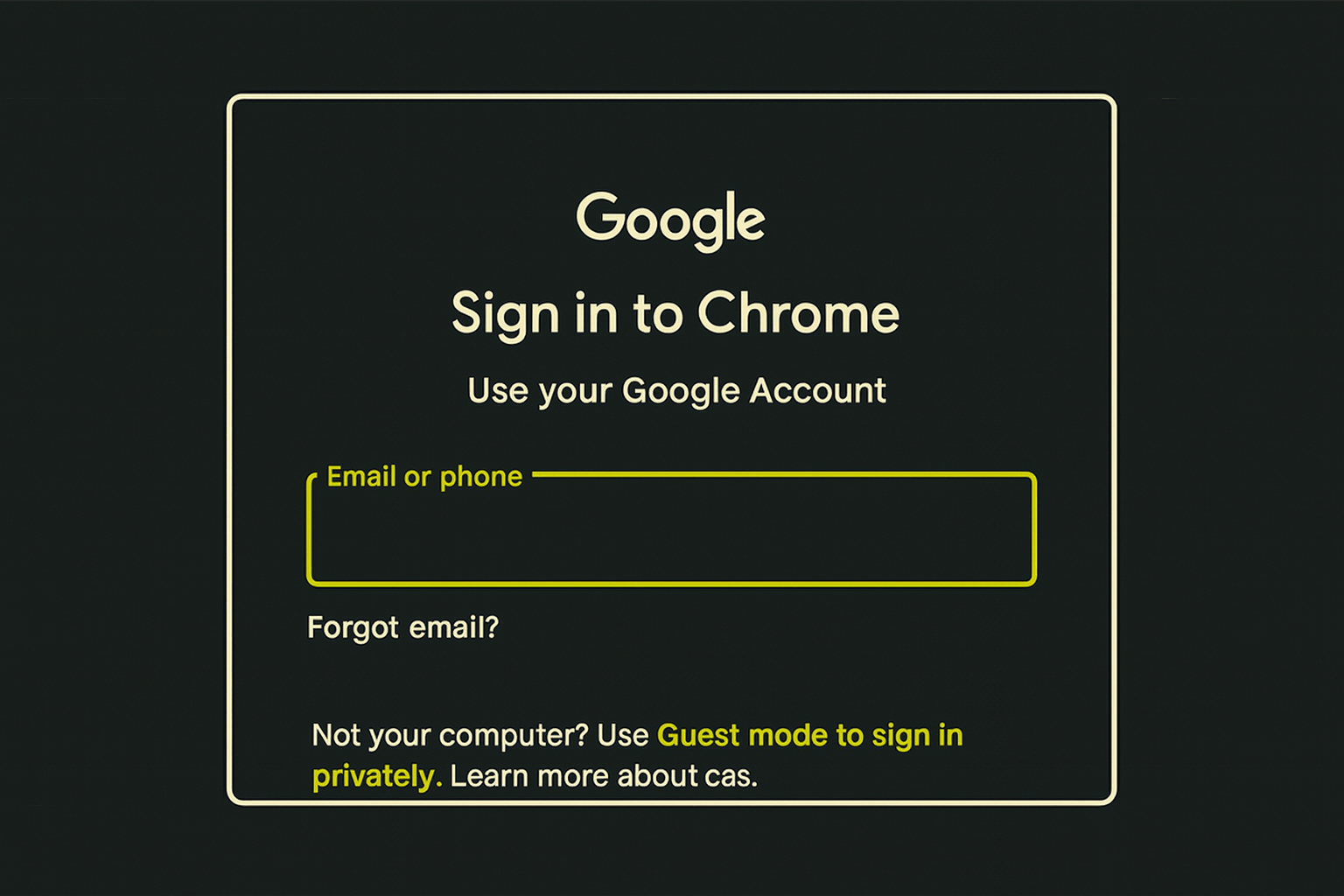
A burner Google account is not about fake names. It is about breaking the fingerprint link that lets Google merge your identities. This guide shows you how to build a clean, compartmentalized Google account using controlled browser fingerprints, trusted network paths, and isolation discipline so you can operate inside a hostile ecosystem without revealing who you are.
Maybe you need the Play Store on a wiped phone. Maybe you research on YouTube and do not want it poisoning your profile. Maybe a service demands a Google login and you refuse to hand over your real world identity as tribute.
You will eventually hit a wall with “just don’t use Google.” Some systems still require it. Some workflows break without it. And some moments demand a disposable identity that can operate inside Google’s ecosystem without tying back to your real world life.
A burner account gives you room to maneuver in a hostile architecture by controlling what metadata points back at you and your footprint is built from invisible metadata. You bascially have three options.
No Google account at all
- Max privacy, max friction. You lose access to Android, Play Store, app updates, YouTube age gates, and countless sign in with Google traps. Good for purists. Not always practical.
One normal Google account tied to your real identity
- Convenient. Predictable. Corporate approved. Fully wired into surveillance capitalism. Every device, every login, every movement, every recovery option ties back to you.
A burner Google account
- A compartment. A clean identity. A tool you control. You use it when an ecosystem demands a Google presence but does not need to know who you are.
This guide covers how to build the last one correctly.
What most people get wrong
They think Google cares about the fake name. They don’t. Google cares about the fingerprint.
- Browser fingerprint.
- Network fingerprint.
- Device fingerprint.
- Behavioral fingerprint.
- Phone number.
- Recovery email.
The whole invisible scaffolding around the account. If any of those match your real usage, the burner collapses. Google does not identify you only by name, email, IP, or cookies. It identifies you by the shape of your browser. Your regular browsing environment carries a unique fingerprint. When you reuse that same environment to create a burner Google account, Google can mathematically conclude:
“This is the same person who logs into their real account.”
No login required. No cookies required. The fingerprint is the bridge.
Fingerprint overlap means:
- Same extension set
- Same canvas output
- Same device pixel ratio
- Same system fonts
- Same WebGL signature
- Same audio fingerprint
- Same browser version patch history
- Same timezone
- Same language settings
- Same memory signature
- Same system clock drift
- Same user agent quirks
- Same TLS handshake pattern
- Same order of HTTP headers
You have to understand what Google actually knows about you. Combine enough tiny details and you become uniquely identifiable in a global crowd. If your burner account shares any significant portion of this fingerprint with your real browser environment, Google’s correlation engine can merge them, silently, behind the scenes.
You lose the compartment. You lose the separation. You lose the burner. So the requirement is absolute. No overlap. Not a little. Not mostly clean. Zero.
A burner identity only works when it looks like a different human sitting at a different machine in a different place using a different browser. That’s the entire point.
If you need actual walkthroughs then look through the field manuals, they provide short tactical downloads for compartment workflows.
How to Skip the Google Phone Verification
This is the part everyone always asks me about and it’s why burner Google accounts are an art, not a checklist.
Google is more likely to let you skip phone verification when the device fingerprint looks normal and previously seen, not when it looks unknown. Google’s risk engine is built on one principle: Unknown equals risk. Known equals trust.
A device fingerprint they’ve never seen before looks like:
- A possible bot
- A possible farm
- A possible evader
- A possible mass signup machine
That is exactly what triggers Google to require a phone number. This is why Tor, VPNs with bad reputation, VM fingerprints, and rare device/browser combos usually trigger “phone required.”
The logic is simple: Google trusts continuity. Google distrusts novelty. A device fingerprint Google has seen in benign contexts before is more likely to get the skip phone path. Google is not looking for your fingerprint specifically. It’s looking for a fingerprint that maps to a normal human usage pattern, not one tied to your actual Google account.
The trust model works like this:
Trusted device
- A fingerprint with browsing history, normal usage patterns, non-automated timing, common GPU, mainstream OS version, and no signs of automation. This device is more likely to get “optional phone verification.”
Suspicious device
- A fingerprint with rare GPU identifiers, virtualization artifacts, unusual TLS patterns, new OS installs, bare environments, or Tor like signatures. This device is more likely to get “mandatory phone verification.”
Notice something important: Google doesn’t need to know it’s YOU. It only needs to know it’s a believable human environment. So what does this mean for burner operations?
1. Using a completely new or exotic device fingerprint is more likely to trigger phone verification.
This includes:
- Fresh virtual machines
- Linux distros Google rarely sees
- Clean OS installs with no usage patterns
- Highly minimal browser environments
- Devices that look automated or sterile
Ironically, too clean looks suspicious. You only need clean environments and compartmented workflows.
2. Using your existing device fingerprint (but with a clean browser profile and clean network path) often results in fewer verification hurdles.
Because the environment looks human.
- Because it has normal hardware.
- Because the OS is common.
- Because the timing looks natural.
- Because the GPU is familiar.
- Because the fingerprint matches millions of benign devices.
Google’s logic is statistical, not personal.
3. The trick is to break the identity link without breaking the trust score.
That’s the sweet spot.
You want:
- New browser identity
- New IP
- New behavioral pattern
But you still want your device fingerprint to look like a normal laptop that humans use. You have to manage your IP reputation and fingerprint trust scoring.
4. Tor and VM-only setups often fail because they look “too fresh” or “too synthetic.”
Google’s anti-abuse systems are built around the assumption: Humans have messy environments. Bots have sterile ones.
- A brand new VM looks sterile.
- A fresh Tor session looks sterile.
- A Zero history Linux live USB looks sterile.
Google is unlikely to let you skip phone verification unless the environment appears legitimate and human at a device level. Not recognized as your device. Recognized as a real device used by a real human. Huge difference.
Operational takeaway
If your goal is to reliably skip the phone requirement:
Use:
- A normal OS
- A normal browser engine (Firefox or Chromium)
- A new profile
- A clean VPN exit
- A stable environment
- No extensions
- No history linked to your real Google login
Do not use:
- Tor
- VMs only
- Fresh OS installs with zero entropy
- Rare hardware
- Profiles that look synthetic
The skip is more about statistical trust than personal identity.
A burner browser without a burner device is good enough for tactical compartmentation, not strong anonymity.
It stops Google from merging your browsing behavior. It does not stop them from recognizing the machine under the browser. But for most burner Google accounts, fingerprint recognition alone is not enough for Google to collapse the identity unless you:
- Log into your real account on the same browser
- Use the same IP
- Use similar behavior patterns
- Use the same phone number
- Use the same recovery email
Now let’s get to building that burner.
Preflight
You need a clean environment. No cross contamination.
Checklist
• A device you do not use for your primary Google identity
• A VPN endpoint you have never used with Google before
• A clean browser profile with zero cookies
• A non home IP if possible
• A password manager entry ready
• A plausible alias identity not tied to you
• A recovery email that is also compartmentalized (optional)
Legal note
Using pseudonyms is allowed. Impersonation or fraud is not.
Data loss warning
Do not store anything critical exclusively in a burner Google account.
Test on non production first
Never test this on your real device or network.
How to Build the Google Burner Account
You are creating an identity shell. Not a real persona. Not a long term account. Just a credential that buys you controlled access to systems that should never touch your real data.
Follow these steps exactly.
1. Launch a clean browser
Action: Create a new Firefox profile or open Ungoogled Chromium portable. This will break the browser identity leak but not the device identity leak.
Why: You need zero fingerprint overlap with your regular browsing.
Result: No cookies, no device modeling from previous sessions.
Google fingerprints your browser itself. A new profile wipes browser identity but keeps the device looking human. That balance is what gets you through the phone skip gate.
2. Establish a fresh network path
Action: Connect VPN to an endpoint you have not used before.
Why: Google scores IP reputation. You want a normal residential or stable datacenter exit, not Tor. Google hates Tor and nails you instantly.
Result: You bypass identity correlation from previous Google logins.
Your IP reputation is half the trust score.
3. Navigate directly to signup
Action: Enter https://accounts.google.com/signup manually.
Why: Hitting Google through search or internal pages leaks metadata.
Result: Clean page load with minimal tracking context.
Every indirect click leaks metadata. Search results. Redirects. Preloaded scripts. All of it builds a pattern. You want to appear like a new user, not a suspicious one.
4. Enter a boring plausible name
Action: Use a common but unremarkable name.
Why: Suspicious names trigger risk models. Google cares about plausibility, not truth.
Result: Smooth progression through signup.
Don’t get cute. Google’s models flag weird names. You are not building a persona.
5. Choose a safe birthday
Action: Any date for someone age 20 to 50.
Why: Too young or too old triggers account safety heuristics.
Result: No verification loops.
6. Build a username that looks human
Action: firstname.lastname.randomword
Why: Bots use noise strings. People use patterns. Your goal is to look human without looking like you.
Result: Higher success rate and fewer challenges.
7. Handle the phone number step
Action: Try to skip. If forced, use an aged VoIP or spare prepaid SIM not tied to you.
Why: Brand new VoIP numbers often fail. Your real number destroys the point of a burner.
Result: The account passes primary verification.
You have to deal with Google accounts and their SIM metadata relationships.
8. Skip the recovery email if allowed
Action: Leave blank unless mandatory.
Why: Recovery emails form the backbone of Google’s identity graph.
Result: Cleaner isolation.
Only add one if they demand it and even then, make it burner to burner.
9. First use discipline
Action: Log in once. Click around. Log out.
Why: New accounts with heavy activity look suspicious.
Result: The account ages naturally in Google’s risk engine.
Brand new accounts that behave like power users get flagged and crushed. Google closes the account and you have to do all of this over again.
Verification
A burner account is only useful if it stays detached from you.
Run these checks:
Local test
- Create a new browser session and log in. Confirm no cross linking with your primary Gmail or Chrome.
Network test
- Visit YouTube while logged in. Check if it recommends anything tied to your real identity.
Leak checks
- Open Google’s My Activity page. Confirm it is empty and not prepopulated with inferred interests.
Common failure modes
Google demands a phone number even after skipping.
- Quick fix: Switch VPN exit node. Start signup fresh in a new profile.
- Root cause: IP reputation or fingerprint collision.
Account suspended within hours.
- Quick fix: Do not attempt recovery. Abandon and rebuild.
- Root cause: Too much activity too soon or fingerprint tied to known bot behavior.
Google keeps tying recommendations to your real interests
- Quick fix: Delete local browser data. Switch VPN. Stop signing in on devices tied to your real patterns.
- Root cause: Behavioral fingerprint bleed.
Ongoing maintenance
Use the burner only inside the compartment that created it. That means:
- Same VPN region
- Same browser profile
- Never parallel sessions with your real account
- No Chrome sync
- No Play Store purchases
- No linking to your real phone
- No storage of personal data
- Running burners behind a clean DNS lane
Burners survive by predictability and isolation.
When you are done
A burner is disposable. If any of the following happen, burn it:
- Google demands reverification
- You sign in on the wrong device
- You accidentally tie it to a real purchase
- You use it for anything personal
- You leak it into your main browser profile
Delete. Rebuild. Move on.
Final thought
It’s about refusing ownership. It gives you leverage. It gives you the one thing this ecosystem works overtime to strip from you. Agency.
Claw it back.
-GHOST
Untraceable Digital Dissident