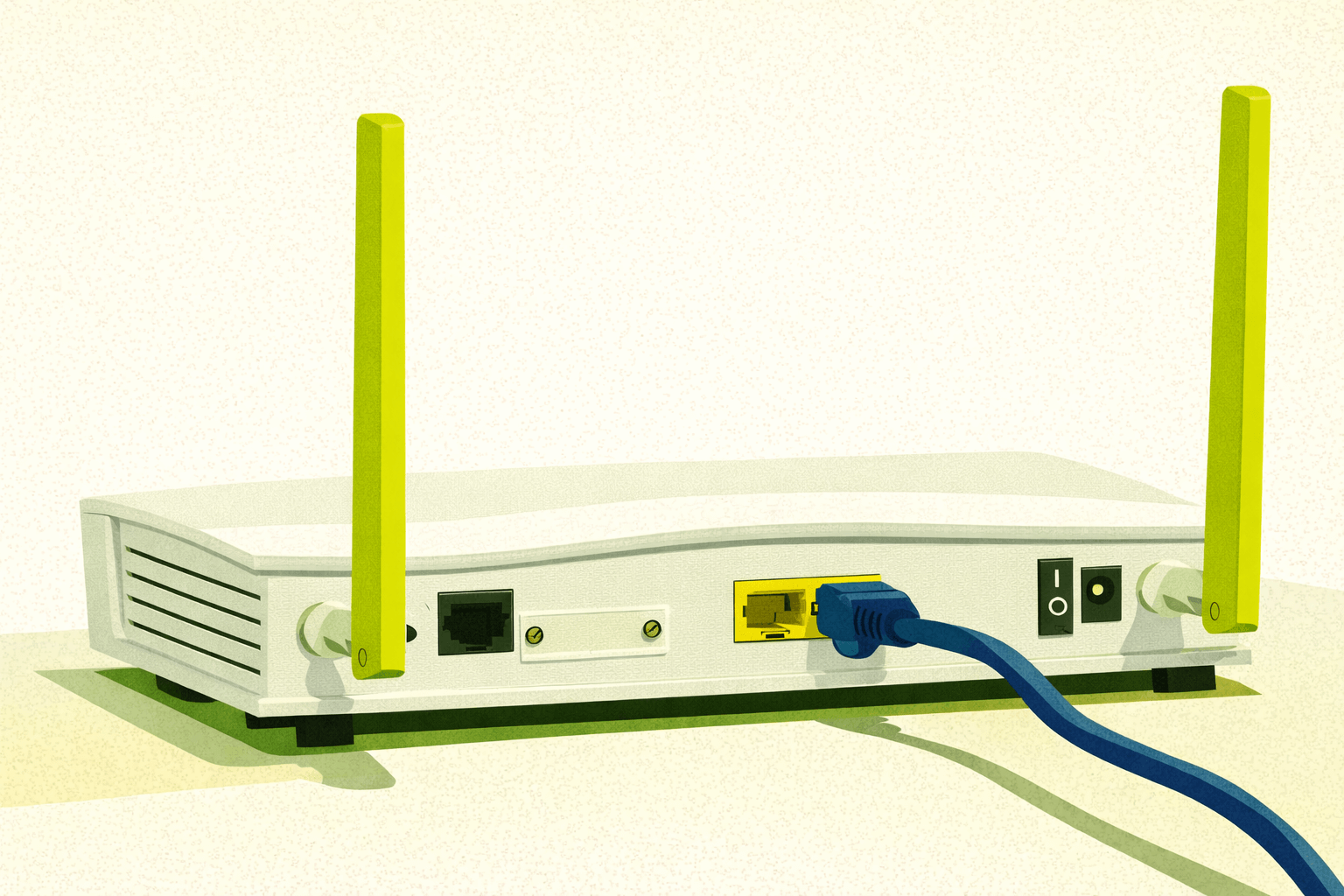
Running your own router is the first real step toward network privacy and operational control. ISP provided modem router combos centralize firmware control, logging, DNS behavior, and remote management under the provider’s authority, not yours. This guide explains why owning your router matters, how to safely isolate ISP hardware, deal with Double NAT or CGNAT, limit WiFi attack surface, and pair your router with a clean DNS stack for real home network security.
Your ISP hands you a box that does everything. Modem. Router. WiFi. Surveillance. They call it “all in one.” What they mean is “we control the whole path.”
If you rely on that as your only box, then you’re outsourcing the most important choke point in your home network to a company whose business model is data extraction and remote management. They decide the firmware. They decide the logging. They decide when it updates and what knobs you’re allowed to touch.
You get the illusion of control. Not actual control. Running your own router is the first real break in that chain. It gives you:
- Your firewall rules, not theirs
- Your DNS stack, not theirs
- Your updates, not theirs
- Your segmentation, not theirs
- Your telemetry leakage reduced to near zero
- Your choice of what even touches the internet
It stops being “their” network. It becomes yours.
What To Do If You’re Stuck With an ISP Modem Router Combo
If your ISP gave you a modem router WiFi Frankenbox, you’re not doomed. It just means you isolate it. Turn their device into a dumb pipe.
- Disable its WiFi completely
- Turn off any firewall features you can’t audit. Some ISP devices cannot fully disable stateful inspection even in bridge mode. Kill what you can.
- Put it in bridge mode if possible
- If not possible, use a DMZ passthrough to your own router
- Disable WPS and smart functions you didn’t ask for
- Change the default credentials
- Kill guest networks and hidden management SSIDs
- Don’t use its USB ports or cloud sharing features
- Don’t use any of it’s ethernet ports for anything downstream except your own router
You want that box doing one job, handing your router an IP. Nothing else. Once you are done that frankenbox just becomes a dumb modem. Not a router anymore and not part of your security boundary. All the control now lives on your router, not theirs.
Now your own equipment will:
- Prevent ISP firmware from modifying or redirecting traffic locally
- Enforce DNS to ZeroSentinel Nano
- Block known bypasses
- No forced VPN, no ISP injected proxies, no DNS hijacking.
- No tunneling.
Double NAT and CGNAT Reality
Bridge mode is not a magic eraser. Even after you put the ISP box into bridge or passthrough, you may still be behind Double NAT or CGNAT. Not ideal but acceptable if you have no choice.
Double NAT
Two layers of NAT. One on the ISP side. One on your router. For normal home use, this is fine. Browsing works. Updates work. VPN clients work. DNS works. Privacy controls still function because your router still governs what leaves your network.
CGNAT
Carrier Grade NAT means your ISP never gives you a real public IP at all. You share one with hundreds or thousands of others. No router can fix this. No firmware can fix this. This is an ISP policy decision.
Your router still controls DNS. It still controls segmentation. It still controls policy. Surveillance still collapses at the edge.
Basic Security
Change the default admin password on your old ISP router if you’ve never done so. Set a strong admin password on your new router. Change the default wifi password for main and guest and make sure they have different passwords. Set up your home device access setup.
MainNet
- Your Phone/s
- Your Computer/s
- Devices you control and trust, nothing else
NetOnly (guest network)
- Guest’s phone access (obviously)
- Work provided devices like phone and laptop
- Any tablets
- Smart TVs
- Streaming Boxes
- IoT devices
Use NetOnly 2.4G (guest network) only for the junk IoT devices that can’t use 5G or higher like printers, thermostats, doorbells, smart plugs, etc.
Don’t be cute with the ssid names. Don’t use your name or any personal information. No “Smith Family WiFi”. Be generic, Mainnet and NetOnly is fine. FBI Van if your a comedian.
Why You Limit WiFi Reach
When choosing a router your first instint is going to be to grab the most powerful device you can with more antennas than a cell tower. Don’t. Unless you live in a McMansion or a old house or apartment with solid walls like a bomb shelter, you don’t need that. Size the signal to your actual living space. Your WiFi doesn’t need to blast half the neighborhood. Range is noise and noise becomes attack surface.
Once you have your device check it with your phone. Turn LTE off on your phone and connect to wifi only. Walk around outside and see how far you can get and still connect. If your signal reaches the street, you’re leaking. If it reaches your neighbors above and below, you’re leaking. You want enough coverage for your devices. No more.
- Turn transmit power down. You should have a setting for it on your wifi page in router admin.
- Use 5G+ only if possible, disable 2.4G if it is not needed.
- Run Ethernet when you can. Wired beats wifi.
- Avoid open windows and thin exterior walls for router placement.
You’re not running a Starbucks. You’re running a controlled zone. The less RF you spray around, the less anyone can map, probe, or attack.
Choose OpenWrt
ISPs want to lock you into their firmware. Instead choose a router that comes with OpenWrt pre-installed or one where you have the option to flash OpenWrt. OpenWrt is the antidote to ISP control.
- It’s transparent.
- It’s publicly auditable.
- It’s hardened.
- It’s yours.
What you get with OpenWrt:
- Real firewall control
- DNS over TLS, DNS over HTTPS, DNSSEC
- VLAN support
- Multiple WAN failover options
- Traffic shaping without spyware
- Local logging instead of cloud reporting
- Ability to pair cleanly with ZeroSentinel nodes
- No backdoors disguised as convenience features
Where ZeroSentinel Fits In
The router is the choke point. ZeroSentinel is the stack that lives behind it. You start at the edge and move inward. ZeroSentinel Nano is the first anchor. Everything else is optional until it is needed because it provides:
- A DNS resolver that does not lie
- A time source that is not outsourced
- No cloud dependency
- No silent fallbacks
- No upstream enrichment
It exists to answer the first question your network asks every time something happens: Where do I look, and who do I trust?
Your router enforces policy. Your nano provides the clean answers that policy points to. Your first step should always be about removing dependency. Control the edge and then build inward.
TL:DR the Minimal Path to Taking Control
- Leave the ISP modem powered but neutered. Disable WiFi.
- Install your own router behind it. I’m fond of GL.iNet devices but grab whatever OpenWrt device fits your budget.
- Push all devices to your own router’s WiFi or Ethernet. Nothing connects to the ISP device.
- Enable clean DNS and firewall policies on your router. Point everything at your ZeroSentinel Nano resolver.
- Reduce transmit power until coverage is just enough for your living space.
- Segment devices. Put IoT on its own lane. Keep private machines isolated.
- Monitor. Log. Tune. Now it’s your network. Not theirs.
Final Thought
Your perimeter is the first move in operational privacy. Control the router and you control the flow. Control the flow and you control what leaves your house. This is where surveillance collapses into noise.
Start with the router. Everything else builds on that.
-GHOST
Untraceable Digital Dissident